



















Table of Contents
- • Softorino Review Summary
- • About Softorino
- • Other opinions about Softorino
- • Softorino Overview
- • Softorino Review
- • Softorino WALTR PRO Reviews
- • Softorino SYC PRO Reviews
- • Softorino AltTunes Reviews
- • Softorino Pros & Cons
- • Softorino Subscription & Pricing
- • Softorino App Features & Usage
- • Softorino Return Policy
- • Softorino Digital Delivery Information
- • Softorino Contact Information
- • Where to buy Softorino?
- • Conclusion of Softorino reviews & ratings
Softorino Review Summary
Softorino is a software company known for creating utilities that simplify media management between Mac, Windows, and iOS devices. It generally offers user-friendly solutions that often improve file transfer and customization tasks, with a focus on the Apple ecosystem. The overall performance of Softorino's apps tends to be reliable and efficient, although some users may find their subscription model controversial.
Highlights
- Best suited for iPhone and iPad users seeking easier media handling
- Offers a diverse range of apps covering file transfer, folder customization, and media conversion
- Subscription-based licensing may not satisfy users preferring one-time purchases
- Solid functionality with a 8.3/10 score reflecting usability and platform focus
Within the broader category of media management tools, Softorino competes with both native and third-party solutions. Alternatives exist for different platforms or pricing preferences, making it important to consider specific needs. More insight can be found in the Softorino review.
About Softorino
Transferring media files between devices often involves complex processes and compatibility issues. Users frequently struggle with iTunes and other native tools when managing diverse formats on iPhones or iPads. This can lead to frustration and wasted time.
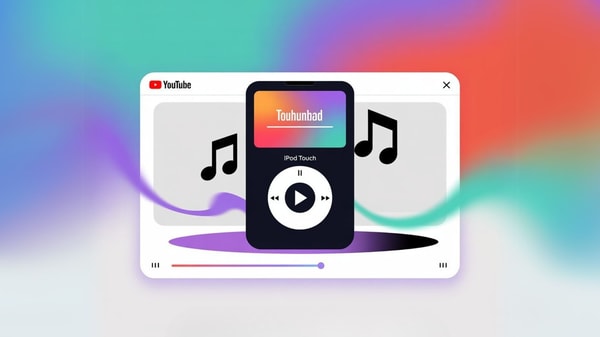
Softorino offers software solutions designed to simplify these tasks. The company provides applications that facilitate wireless transfers, format conversions, and file organization across macOS and Windows platforms. Positioned as a niche software developer, Softorino focuses on improving the Apple ecosystem’s user experience.
Softorino has gained recognition for its intuitive, drag-and-drop applications and responsive customer support. Its flagship tools like WALTR PRO and SYC PRO are widely used by millions worldwide. While well-regarded in tech communities, its shift to subscription licensing has drawn mixed reactions.
The purpose of these tools is to ease media management for Apple device users, especially those dealing with non-standard formats. However, potential users should consider the subscription-based pricing and the company’s focus on Apple devices. For a detailed assessment, see the Softorino review.
Softorino Overview
Softorino is a software company specializing in utilities designed to simplify media transfer and management between desktop systems and iOS devices. Originating as a developer focused on improving file compatibility and user experience, Softorino offers a diverse range of apps for macOS and Windows, including tools for video downloads, ringtone creation, and folder customization. The company serves users looking for streamlined solutions in managing their iPhones and iPads outside of Apple's native ecosystem.
Softorino operates through a suite of small but focused applications, each designed to address specific user needs such as wireless file transfers, backup management, and visual customization of folders. Their development approach includes regular updates and the introduction of a Universal License that consolidates access to all apps under one subscription plan. This strategy facilitates access to new features and future software releases for their client base.
The company has garnered attention within tech communities, with discussions highlighting aspects related to their service models and software functionality. The Softorino Review process often notes the operational simplicity of the apps and the platform's integration within the Apple ecosystem. Their offerings predominantly support iOS device users, with functionality tailored to enhance media handling on iPhones and iPads across multiple platforms.
Softorino Review
Softorino offers a range of utilities focused on simplifying media management between desktop platforms, including macOS and Windows, and iOS devices. The brand is known for providing tools that streamline file transfers and improve device compatibility. Its core mission centers on enhancing user experience by addressing common challenges found in native Apple software.

The company’s suite includes applications that support wireless drag-and-drop transfers, format conversions, and cross-platform functionality. These utilities are designed for users who work within the Apple ecosystem and require efficient and reliable solutions for handling diverse media formats. Softorino positions itself as a premium brand that prioritizes simplicity and performance.
Softorino Highlights- User-friendly drag-and-drop interfaces
- Cross-platform support for macOS and Windows
- Automatic file format conversion
- Responsive customer support
- Comprehensive media management tools
Softorino WALTR PRO Reviews
WALTR PRO is a software tool available for macOS and Windows that enables users to transfer nearly any file directly to an iPhone or iPad without relying on iTunes. The software automatically converts files to formats compatible with Apple devices during the transfer process.
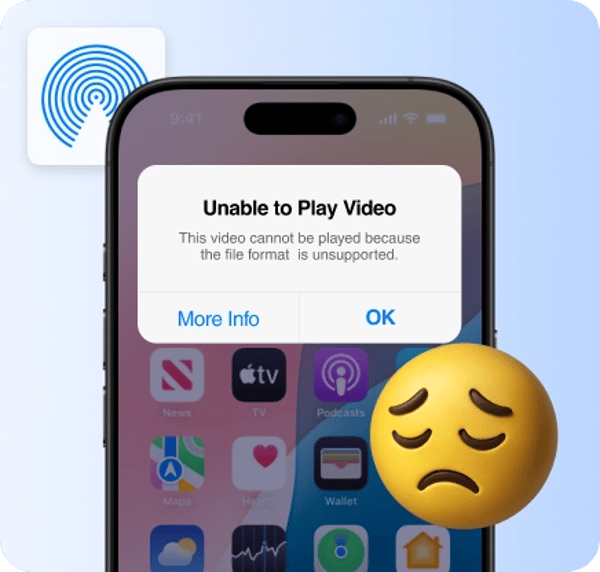
This app is suitable for users who frequently work with various media types such as music, videos, and PDFs. It is known for its stability and speed, often outperforming native Apple solutions in handling file transfers.
The pricing starts at approximately $39.96 per year through the Universal License subscription or a one-time payment of $300 for a lifetime license, all in USD. More detailed information can be found on the official WALTR PRO page.
Price $3.33 • softorino.com
Softorino SYC PRO Reviews
SYC PRO is a software tool for macOS and Windows that enables users to download and convert videos from YouTube and other platforms directly to their computers or iOS devices for offline viewing. It supports a streamlined workflow for media management without requiring complex setup.
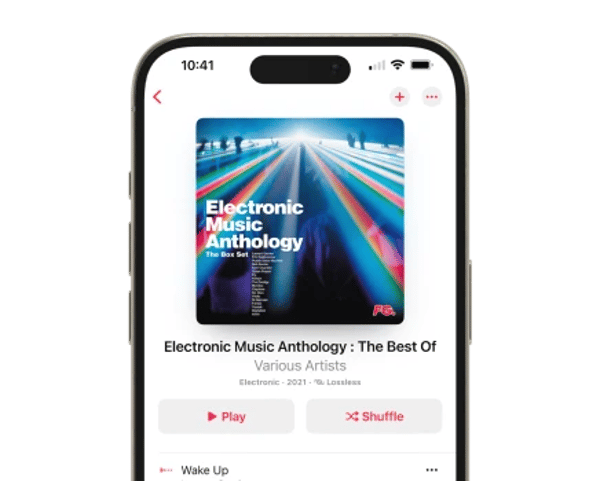
This Anniversary Edition offers enhanced performance, quicker download speeds, and native support for Apple Silicon processors. It targets users who seek efficient and reliable media conversion and transfer solutions across their Apple devices.
The software is available as part of the Universal License subscription starting at $39.96 per year or as a lifetime license priced at $300. More information can be found through the official Softorino website link provided with the product details.
Price $3.33 • softorino.com
Softorino AltTunes Reviews
AltTunes is a Windows-exclusive application designed for browsing, managing, and exporting data from iOS devices without the need for jailbreaking. The software provides enhanced backup handling, text export, and media management features that go beyond those offered by Apple's native tools.
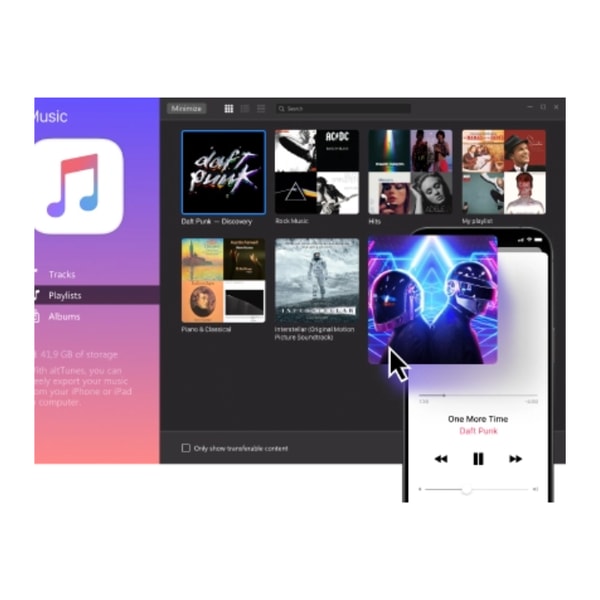
This app is geared towards users who want more control over their iPhone data on a desktop platform, offering a straightforward and functional interface. Its simplicity makes it a practical choice for those seeking to easily manage iOS content from a Windows environment.
AltTunes is available as part of Softorino's Universal License subscription, priced at approximately $39.96 per year or $300 for a lifetime license. The currency is in USD, and users can find more information about the app by visiting the dedicated product page.
Softorino Pros & Cons
Softorino offers a range of utility apps characterized by simplicity and strong practical performance, featuring drag-and-drop interfaces and broad support for various file formats. The Universal License consolidates multiple apps under one subscription, providing regular updates and reliable transfers that often outperform native Apple tools. Additionally, the suite includes diverse utilities beyond media transfer, such as folder colorization and ringtone creation, supported by responsive customer service.
Despite these strengths, Softorino’s subscription model may be a drawback for users with previous lifetime licenses, as ongoing product cycling can require repurchasing newer versions. Its functionality is primarily tailored to Apple and iOS environments, limiting usefulness for users outside that ecosystem. These factors should be weighed when considering long-term value and platform compatibility.
- • Simple drag-and-drop interface
- • Supports multiple file formats
- • Reliable and fast file transfers
- • Universal License subscription
- • Includes various utility apps
- • Regular software updates
- • Strong customer support
- • Subscription pricing model
- • Limited use beyond Apple/iOS
- • Product updates may require repurchase
Softorino Subscription & Pricing
Softorino offers a Universal License subscription that provides access to all current and future apps in its collection. Billing options include monthly payments of approximately $9.95 or an annual fee of about $39.96, which breaks down to roughly $3.33 per month. There is also a lifetime license available for around $300. This subscription model consolidates multiple apps under one payment plan.
The subscription includes benefits such as access to all apps with a single license, regular updates, and future app releases. Trial options are also available for users to test the software before purchasing. Some legacy customers have expressed concerns regarding the transition from lifetime licenses to this subscription model. Choosing a subscription depends on whether users prefer ongoing access or a one-time purchase.
Softorino App Features & Usage
Softorino's software suite addresses key challenges in iOS media management, including file incompatibility and complicated transfer processes. WALTR PRO supports drag-and-drop transfers with automatic format conversion, while SYC PRO facilitates easy downloading of online videos. Additional tools provide specific functions like customizable folder colors for Mac and Windows and ringtone creation for iPhone users.
Feature Highlights include automatic format conversion during transfers, cross-platform compatibility with macOS and Windows, simple and intuitive interfaces requiring minimal setup, and support for both wired and wireless transfer methods. These features help users streamline workflows, save time, and work around Apple's native limitations.
Softorino Return Policy
A 30-day money-back guarantee applies to all purchases. Returns are accepted without any fees within this guarantee period. To qualify for a refund, products must be unused or show no significant signs of use. Refunds are processed after verification of the product condition.
Third-party and bundle purchases may have specific return terms that differ from the standard policy. Customers should contact Softorino support for detailed information on these cases. This ensures clarity on eligibility and the applicable conditions for returns.
Softorino Digital Delivery Information
Softorino products are delivered exclusively through digital downloads available worldwide. No physical shipping or media is involved, ensuring instant access without regional restrictions. Users receive their software via email or through their account on the Softorino platform.
Upon purchase, license keys and download links are provided immediately, allowing for instant activation and use. There are no shipping fees or tracking services since delivery is entirely digital. All Softorino offerings maintain this digital-only delivery method for convenience and speed.
Softorino Contact Information
You can contact Softorino for customer support or inquiries through their help center or by phone. These are the primary ways to reach their support team for assistance.
- Support Site: help.softorino.com
- Phone: +1 844-717-3876
Support responses are typically prompt, with dedicated help available for technical and licensing questions. Feel free to reach out to receive assistance as needed.
Where to buy Softorino?
Softorino products are officially available on their website, providing users with a reliable platform featuring account management, direct support access, and transparent policies. Purchasing via this channel ensures clarity on licensing and updates, while offering a streamlined experience compared to various third-party marketplaces where reliability may vary.
Users can expect consistent service and legitimate software versions at softorino.com, though alternatives outside the official site might differ in availability, pricing structures, or customer support responsiveness.
Conclusion of Softorino reviews & ratings
Softorino holds a notable position in the media management category by offering straightforward, user-friendly tools that ease file transfers between devices. Its strengths include intuitive interfaces, reliable performance, and a diverse app ecosystem, which can be explored further at softorino.com. These qualities contribute to its appeal for users seeking practical solutions within the Apple ecosystem.
For those interested in a deeper understanding of the brand, this Softorino review provides thoughtful insights and context. Readers can revisit the review as needed to make informed decisions while exploring Softorino’s range of applications with confidence and clarity.
Editorial notes reflect aggregated buyer feedback and our independent editorial review of publicly available information. They are for informational purposes only and do not constitute endorsements. Purchases are made at your own discretion, and we are not responsible for transactions or outcomes related to this store. Experiences may vary. This content is assisted by AI and reviewed by our editorial team. While we strive for accuracy, AI-supported information may not always be 100% precise, so please verify any critical details.

